Air 2 Pro on a Mac and iPhone: The Same Glasses Do Not Bring the Same Workspace
In a firsthand Apple-device account, an Air 2 Pro owner describes different results on a Mac and an iPhone, including app-mediated spatial use on the computer and a more limited phone workflow.
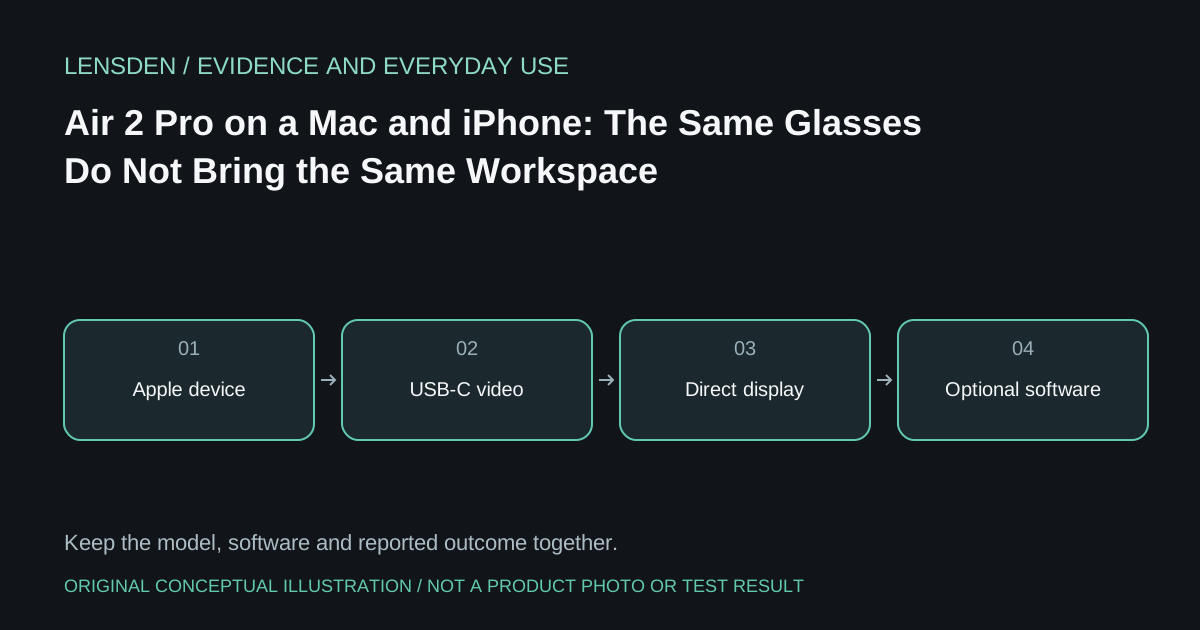
In a firsthand Apple-device account, an Air 2 Pro owner describes different results on a Mac and an iPhone, including app-mediated spatial use on the computer and a more limited phone workflow. This is one writer's experience, not certification of every Apple model or current Nebula release.
The useful distinction is between receiving video and building a spatial workspace around it. A pair of glasses can behave as an external display on a supported source without bringing the same anchoring, app layout or lock-screen behaviour to every other source.
Keep the source identity attached to the result
Record the computer or phone model, operating system, port and cable. On the Mac, separate the ordinary external-display connection from any optional desktop application. On the phone, distinguish mirroring from an application supplying its own supported video output.
Do not assume an older iPhone with a different connector follows the same chain as a USB-C model. Apple's USB-C iPhone guidance documents capabilities for the models it names; the exact adapter and glasses requirements remain separate questions.
Treat app maintenance claims cautiously
The personal review discusses uncertainty about software support. Such a statement is not a substitute for a current manufacturer notice. Check the official app publisher and the specific platform before relying on an installation guide or an old download link. Do not bypass browser or system warnings to obtain an unverified installer.
Likewise, do not carry newer One-series built-in features into an Air 2 Pro purchase. The manufacturer's current model documentation makes the newer family explicit; it does not retroactively add its processing to an older frame.
Test the moment that matters
If the intended use is a downloaded film while the phone is locked, verify that exact app and permitted content path. If it is writing code with pinned windows, test the exact desktop software and restore behaviour. A working game or demonstration video does not settle either requirement.
Keep blocked or untested functions marked Unknown and retain a conventional workflow for essential work. Lensden's coding guide separates external displays from independent virtual monitors. Source review: November 3, 2026. No Lensden Apple-device test or guarantee of software availability, protected playback or app compatibility.