Nebula Asked for Permissions: Check the Version Before Repeating an Old Complaint
A historical Nebula for Android permissions thread objects to apparently mandatory access requests.
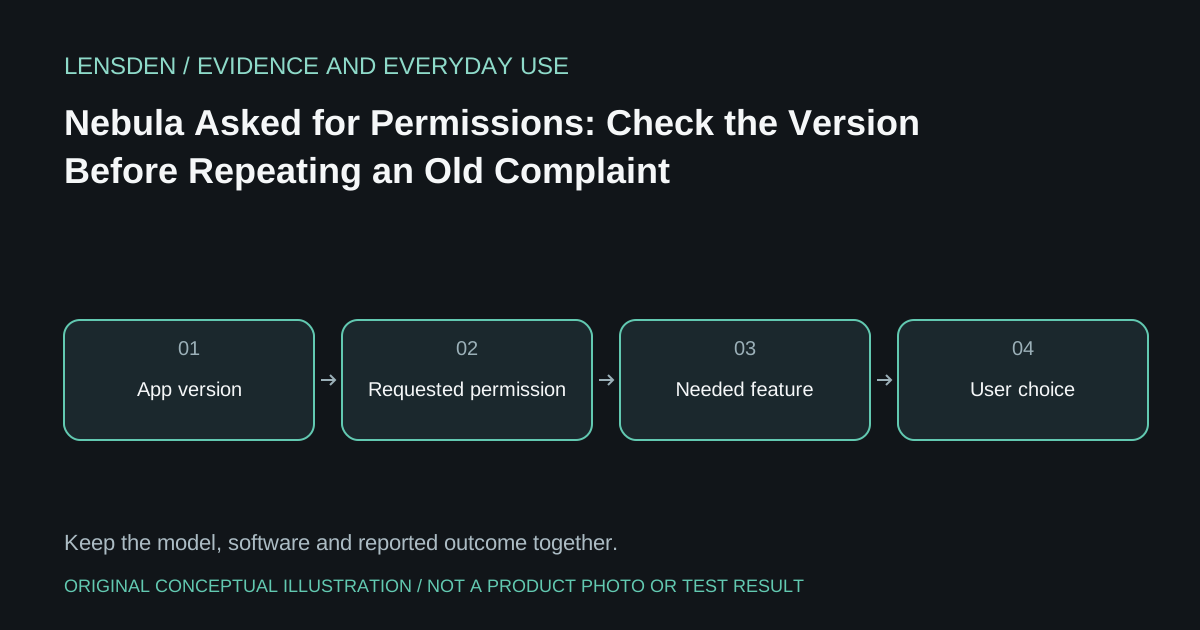
A historical Nebula for Android permissions thread objects to apparently mandatory access requests. Replies point to version 3.3.0 and describe permissions becoming optional except where a feature needs them. A support response also asks which version the owner is using. Omitting those replies would turn an old complaint into a misleading description of every current installation.
This discussion concerns Nebula for Android, not an interchangeable copy of Beam Pro's nebulaOS or a current desktop application. The original poster does not identify their build. That limits what can be concluded about the request they encountered.
The useful principle is feature-by-feature consent. Asking why an app wants a permission is reasonable; assuming every request proves improper recording is not. Conversely, a product being an AR app does not explain why every unrelated permission should be granted.
Read the request in context
Record the exact app name, publisher, version, phone OS and feature being opened when the prompt appears. Distinguish a permission required to access a selected photo from a request appearing before any photo feature is used. Keep the wording of the actual system prompt rather than relying on a remembered label.
Google's Android permission guidance explains how permissions can be inspected and changed on supported phones. Menus vary by device and OS, so use the instructions for the phone in hand. Do not grant broad access merely because an old forum guide says to accept everything.
Do not sideload around an unanswered question
If a feature is unavailable in your region or the publisher no longer supplies a compatible app, obtain current guidance from the vendor. An unofficial installer may introduce a separate provenance and security problem. Removing platform protections to make an old package run is not equivalent to verifying current compatibility.
Ask the manufacturer which permission enables the specific function and whether the function can be omitted. Keep unavailable answers as Unknown. A privacy decision can be to use a supported basic display path instead of optional software, where the hardware actually supports that path.
The Lensden device library and tracking guide help separate basic display capability from app-mediated spatial functions. This article does not claim all modern Nebula versions have the historical behaviour or that a permissions change certifies an app's privacy. Sources reviewed November 3, 2026; no Lensden app security test.