
Red Code Looks Worse in Ultrawide: A Colour Test Before Calling It Bad Optics
A developer's One Pro ultrawide report makes a specific distinction: ordinary text was more satisfactory than red or dark-blue text in an ultrawide mode.
A developer's One Pro ultrawide report makes a specific distinction: ordinary text was more satisfactory than red or dark-blue text in an ultrawide mode. The writer proposed chroma subsampling as the explanation. The observation is useful; the proposed exact colour format is not an independently verified measurement.
This concerns the writer's One Pro workflow, not every display mode or every VITURE product mentioned in the comparison. The post does not establish a reproducible glasses firmware, host driver and negotiated signal format. Without those details, prescribing a single technical fix would go further than the evidence.
Make colour the only variable
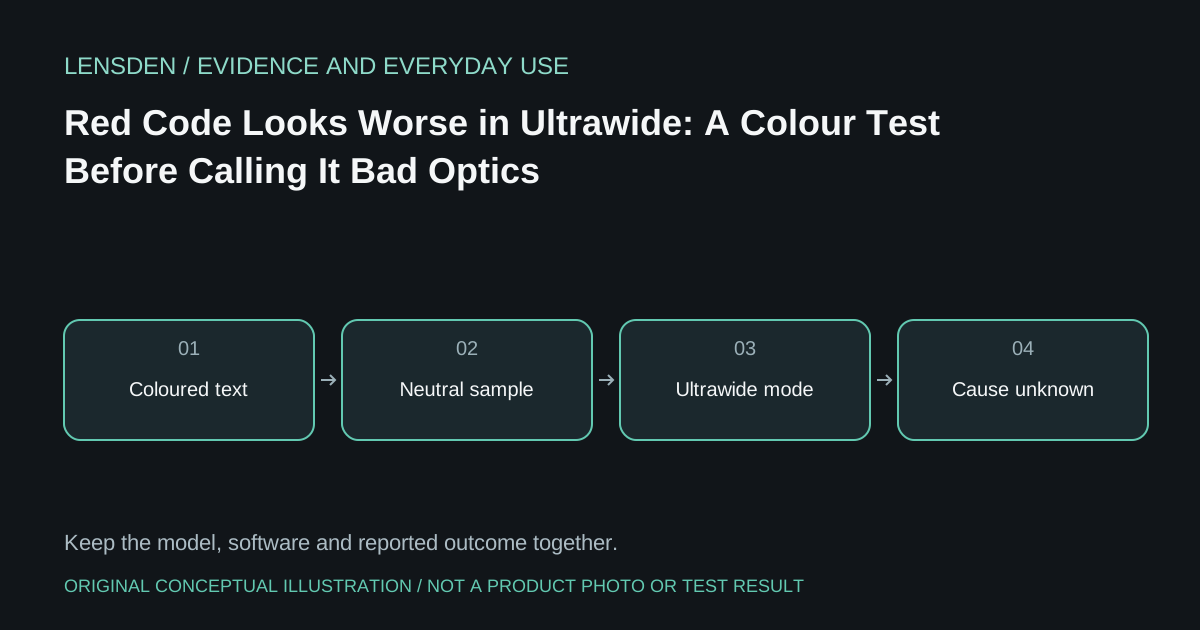
Open a harmless sample of your normal editor theme. Put the same short line in white, red, blue and grey at the same font size. Compare standard and ultrawide modes while keeping host scaling unchanged. Record the resolution the operating system actually reports after switching; do not assume it remains the same because both modes use the same cable.
If only certain colours lose definition, a temporary theme with brighter neutral text may make the workflow usable. That is a workaround to assess, not a repair or proof of a specific compression algorithm. If every colour and the device's own menu are equally soft, the original report may describe a different problem from yours.
Ask for evidence about the signal path
When requesting support, include the computer, graphics driver, source port, adapter if present, displayed mode and a screenshot of the host's output settings. Distinguish a source screenshot from a through-lens photograph. The first records what the computer rendered; the second also includes optical alignment and camera focus.
XREAL's display-settings documentation describes text optimisation and colour settings. It is a reference for available controls, not proof that any control restores lost colour detail. Avoid publishing a precise subsampling ratio unless the manufacturer or an appropriate measurement establishes it for the tested chain.
Buy for the content you actually read
A movie demonstration is a weak test of a colourful terminal. During a return window, try the syntax theme, font size and adjacent windows used for real work. A larger advertised workspace does not automatically preserve readable coloured detail.
Use Lensden's coding guide for the separate question of independent monitors. This article concerns text rendering within one workspace. Sources reviewed November 3, 2026; Lensden has not reproduced the reported colour artefact.