
A Working Picture Can Still Be Silent: Trace the Audio Endpoint
In a One Pro gaming-PC discussion, the original owner reports success on some USB-C sources but difficulty on a desktop.
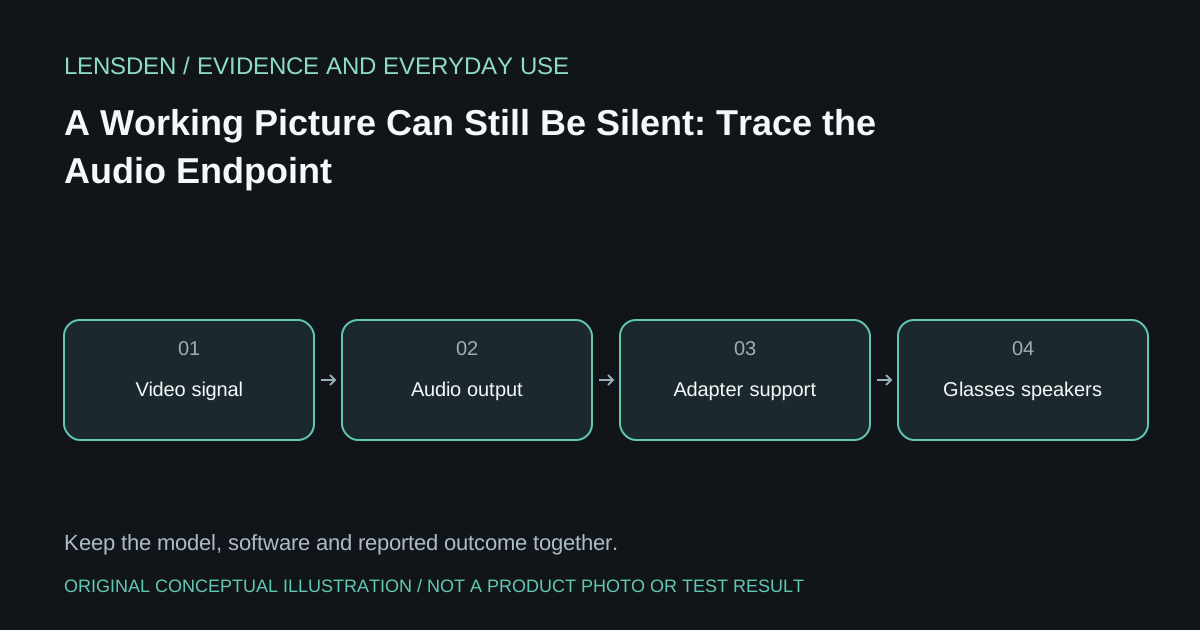
In a One Pro gaming-PC discussion, the original owner reports success on some USB-C sources but difficulty on a desktop. A participant using an HDMI conversion chain describes needing a different audio mode. That is evidence of one arrangement, not a promise that the same setting fixes every silent console or phone.
Video and audio should be recorded separately. A display lighting up establishes that some image data reached it; it does not establish which device the source selected for sound. The source might retain a headset, another display or an output associated with the adapter.
Begin at the source
Use a short, ordinary clip with speech and check the source's selected audio endpoint. Record the endpoint's name before changing it. Keep volume moderate and avoid test tones at high levels, particularly while wearing the glasses. Confirm whether the original speakers or a connected controller headset are still receiving sound.
For a desktop, distinguish the motherboard's USB-C connection from a powered converter attached to the graphics card's output. For a console, distinguish television audio settings from a separate headset route. The same physical glasses can appear in different chains without using the same audio transport.
Then consult the exact glasses instructions
XREAL's One-series guide describes audio selection and switching for its named models. Use that reference to identify a supported change. Do not transplant a long-press sequence from an older Air model, and do not prescribe an XREAL mode as a VITURE or RayNeo fix.
Change one setting at a time and keep a way to restore the baseline. If the source loses the picture during a mode change, record that as a second symptom instead of continuing through several unrelated toggles. A manufacturer-supported restart may help establish a clean state, but repeated resets are not a substitute for identifying the chain.
Write a useful compatibility result
Report “video works, glasses audio does not, headset audio works” with the source, adapter model and selected modes. This is more useful than a yes/no statement that an adapter is compatible. The community example does not supply a single firmware combination that applies to everyone, and Lensden has not reproduced its outcome.
Use the PS5 connection guide for the broader signal-and-power distinction. A successful audio workaround does not certify HDR, protected-content playback or high refresh through the same converter. Source review: November 3, 2026.