
A 60 fps 3D Recording Can Stutter Before It Reaches the Glasses
A Beam Pro owner using XREAL 1S reports that newly captured stereoscopic video used a variable frame rate rather than a steady expected cadence.
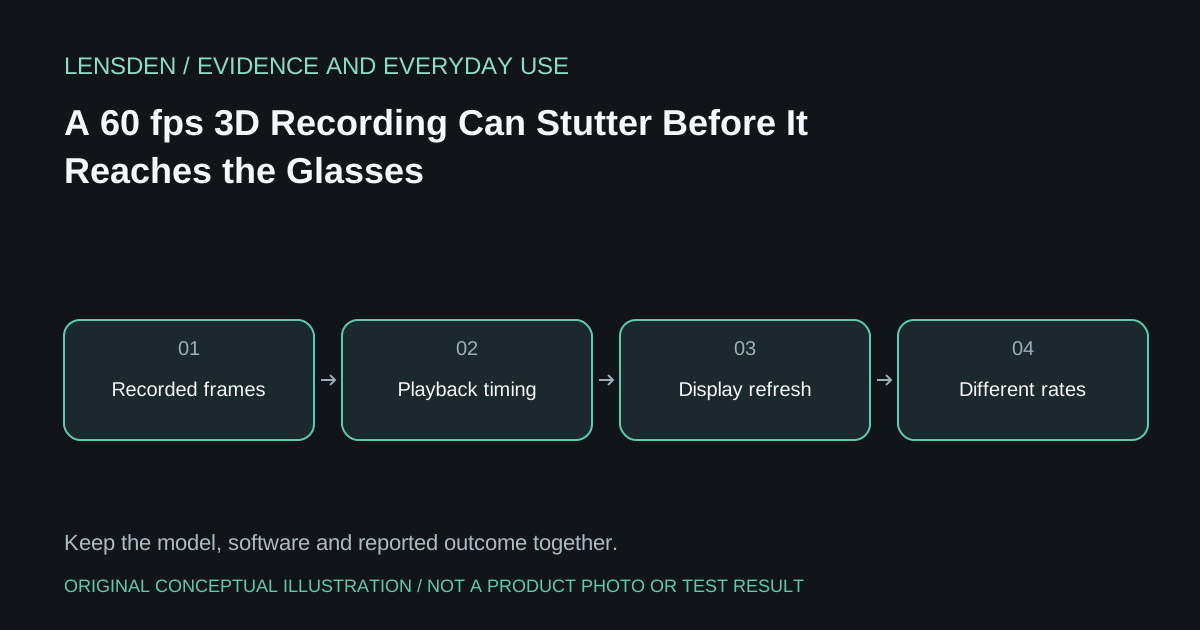
A Beam Pro owner using XREAL 1S reports that newly captured stereoscopic video used a variable frame rate rather than a steady expected cadence. They identify a 256 GB Beam Pro and discuss the file properties, but do not establish an exact nebulaOS build or a confirmed engineering cause. Their proposed thermal or encoding explanations remain hypotheses.
This is not the same question as whether glasses accept a high-refresh display mode. Capture cadence, file decoding, spatial presentation and display refresh are different parts of the path. Repeating “the panel supports 120 Hz” cannot establish that the source file contains smoothly spaced frames.
Preserve the original file
Before transcoding or uploading, keep an untouched copy of an ordinary sample you are permitted to share. Record its capture setting, duration, codec and reported frame-rate mode. A messaging app or video platform may change the file, so a downloaded social-media copy may not reproduce the original timing.
Use a non-sensitive scene and avoid collecting bystander footage just to demonstrate the problem. If sending a sample to support, disclose whether it has been edited or converted. File properties are useful context, but one metadata field does not by itself establish what a viewer sees at each stage.
Compare playback paths
Check whether the same original file looks irregular on the source alone, on another supported player and through the glasses. Keep the comparison separate from real-time conversion of ordinary 2D video. XREAL's REAL 3D documentation describes that conversion feature; it is not a certificate that every side-by-side file has constant cadence.
If the irregularity exists in the original recording, changing glasses mode may not address its origin. If it appears only through one player or spatial mode, that is a narrower and more useful support observation. Neither comparison alone proves a hardware defect.
Ask a question the vendor can answer
Provide the capture device, glasses, software versions, original file properties and a short sequence showing how the issue becomes visible. Ask which capture and playback combinations are supported before trying unofficial conversion tools or replacing equipment.
Lensden's display-specification guide distinguishes frame rate and refresh terminology. This article does not publish the owner's numerical estimates as Lensden measurements or claim the issue affects all Beam Pro units. Reviewed November 3, 2026; no Lensden capture test.