A Smaller Virtual Screen Can Be More Useful: Test the Workspace, Not the Inches
An XREAL One Pro owner tip describes discovering finer screen-size changes by holding the adjustment buttons.
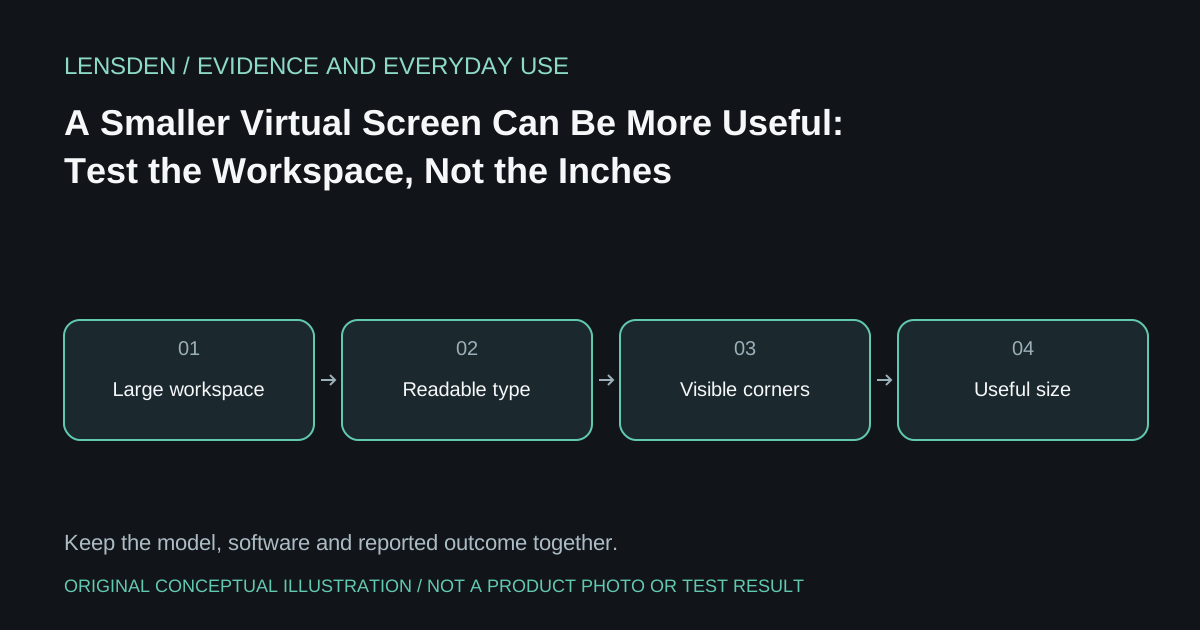
An XREAL One Pro owner tip describes discovering finer screen-size changes by holding the adjustment buttons. The useful lesson is not the largest number another wearer can reach. It is that small changes can make an interface easier to place inside a comfortable viewing area.
The post concerns One Pro and does not establish a firmware build for every reader. Treat its button behaviour as an observation to check against your own model's documentation, not a universal shortcut for RayNeo, VITURE or older XREAL frames. The One-series user guide is the appropriate manufacturer reference for the models it covers.
There are two different size changes
Changing a spatial screen setting alters how the displayed rectangle is presented. Changing operating-system scaling or an application's font size alters the interface rendered within that rectangle. They can produce different results. If the entire desktop becomes smaller, the menu may move away from a troublesome edge while its letters also become harder to read.
Choose a task with both centre and edge information: a spreadsheet with totals, a code editor with a sidebar, or a game with subtitles. First select an arrangement where all required controls are visible. Then adjust application text size until the important labels are readable. Record both settings instead of reporting only the advertised virtual inches.
Avoid changing the whole system at once
Keep the same source and connection during the first comparison. Do not simultaneously switch to ultrawide, increase host resolution, activate conversion to 3D and change screen distance. An apparent improvement would then have too many possible explanations.
Save a usable baseline before experimenting. If your device offers no documented restore or preset facility, a plain note is enough. Returning to a known arrangement is more informative than repeatedly trying settings suggested for someone else's eyes or face.
What success looks like
For a working setup, success means seeing the controls you need without repositioning the frame every few minutes. It may mean a less dramatic image than the marketing demonstration. It does not establish that a displayed distance number changes physical focus, nor that a smaller rectangle repairs an optical problem.
Lensden's coding guide distinguishes workspace presentation from additional independent monitors. Use that distinction before buying a companion device simply to obtain a larger virtual screen. Documentary analysis reviewed November 3, 2026; no Lensden performance measurement.