Handheld Mode Boost Does Not Certify a Switch 2 Glasses Adapter
Switch 2's Handheld Mode Boost has prompted questions from XREAL users about controller behaviour with display glasses.
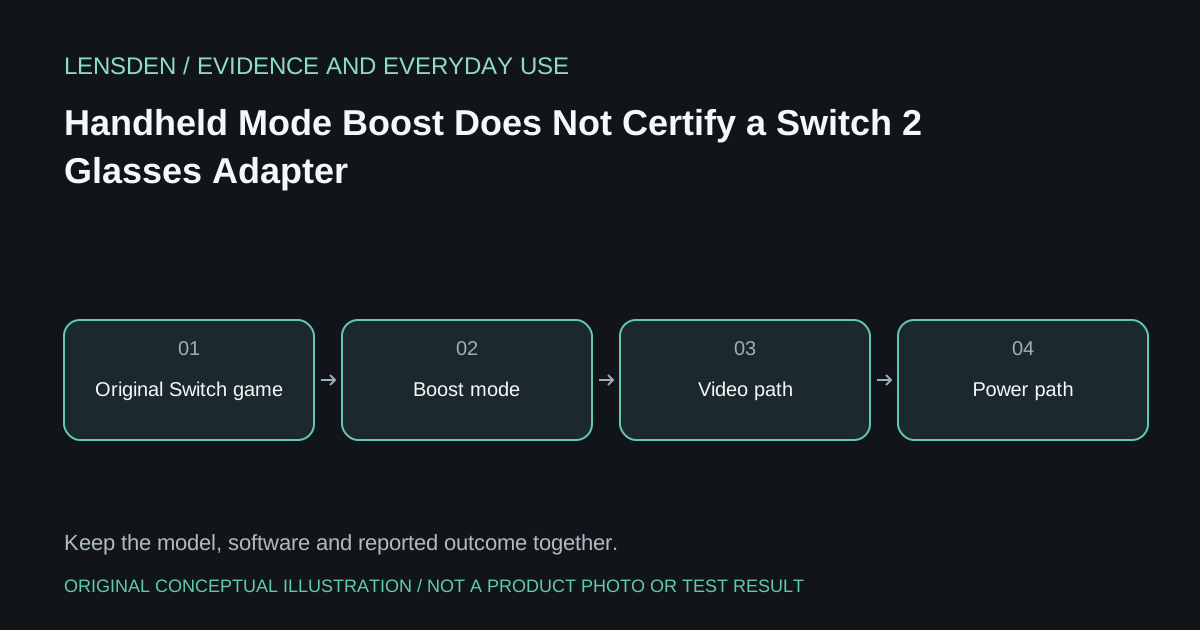
Switch 2's Handheld Mode Boost has prompted questions from XREAL users about controller behaviour with display glasses. The question is understandable: software can change how a game behaves, while an accessory can make the console use an external-display path. Those are different changes and should be tested separately.
Nintendo's official explanation says Handheld Mode Boost affects supported original Switch software on Switch 2 and may change touchscreen and attached-controller behaviour. A hands-on report testing games concerns that software feature, not certification of an arbitrary USB-C glasses hub.
Identify what is actually being tested
Record the console software version, game and whether it is original Switch or Switch 2 software. Then record the dock or adapter model and its firmware, if applicable. A result for one game with Boost enabled should not become a claim that every game now uses attached controllers through every external-display accessory.
First establish the supported connection without changing optional game settings. Confirm picture, sound and controller operation. Only then compare Boost on and off where Nintendo documents the option. Keep a note of each result instead of treating the console's internal screen being dark as proof of a particular mode.
Pack the controls you can verify
Nintendo's play-mode guide describes detached Joy-Con 2 use in TV mode. If the glasses chain behaves as a TV setup, test the actual controller arrangement before travel. A feature affecting older software in handheld use is not enough evidence to leave necessary controls at home.
Likewise, an adapter's power rating does not settle input support. Ask the accessory maker to identify the console, firmware and controller conditions behind its compatibility claim. Keep an untested combination marked Unknown, even if a different user's photograph shows a working picture.
Keep failures narrowly described
If an attached controller stops responding only with the accessory connected, report that sequence with the game and versions. Do not assume the glasses, console update or adapter alone is responsible. A useful support ticket distinguishes a controller issue from missing audio or failure to negotiate video.
The existing Lensden Switch 2 article covers the broader chain; this article concerns the narrower Boost misconception. Reviewed November 3, 2026. Lensden has not tested a Switch 2 adapter or reproduced the community question's proposed setup.