
Movies Look Fine but Text Does Not: Compare the Source Before the Glasses
When a film looks acceptable but a terminal does not, the useful next step is a repeatable text comparison.
When a film looks acceptable but a terminal does not, the useful next step is a repeatable text comparison. In an Air 2 Pro owner discussion, changing the nose-pad position failed to produce readable text. The owner subsequently reported improvement with prescription inserts. That is one person's outcome, not a diagnosis for everyone whose desktop looks soft.
The model matters. Air 2 Pro is not One Pro, and the post does not supply a reproducible firmware build. Instructions for a newer spatial processor should not be assumed to exist on these glasses. XREAL's prescription-lens documentation establishes an insert option; it cannot determine which correction, if any, an individual needs.
Use one page instead of two impressions
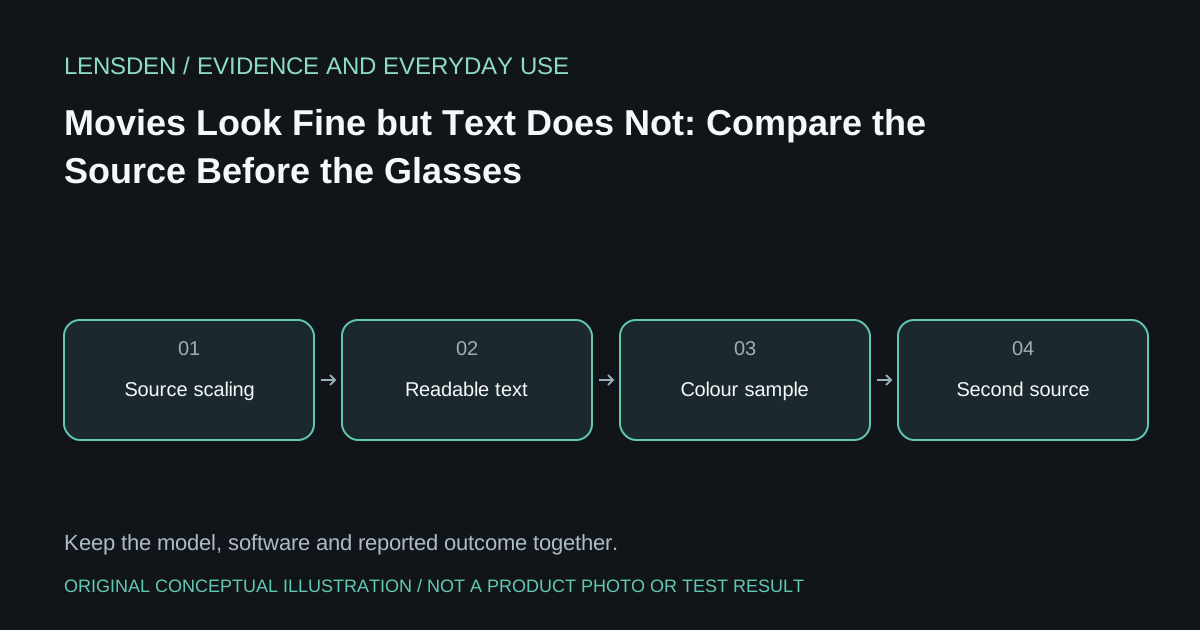
Prepare a plain page containing black text on white, white text on black, several font sizes and a few coloured labels. Open that same file on each supported source. Keep the glasses position and any prescription insert unchanged. Compare the centre first, then the corners. A YouTube screenshot on a phone and an IDE on a PC are different material, often rendered at different sizes, so they are a poor starting comparison.
Next record the host's actual output resolution and desktop scaling. Increase application text size without changing the connection chain. Note whether letter outlines improve, whether only particular colours look soft, or whether every object remains unfocused. These distinctions give support something more useful than a verdict that the entire display is bad.
Decide what the result permits
If one source consistently looks better with the same content, investigate that source's settings before buying a replacement adapter. If the same region stays distorted across sources, preserve that observation for the retailer. Neither result proves a particular optical fault. Avoid repeated frame bending or treating a software slider as an eye examination.
Most importantly, make the purchase decision using your actual task. Reading code for work is a different requirement from recognising faces in a movie. A trial that never includes your normal text size leaves that requirement unanswered. Persistent visual discomfort is a reason to stop the session and seek appropriate professional advice, rather than force adaptation.
Lensden's display-specification guide explains why nominal pixel counts alone cannot resolve this comparison. Lensden has not tested the reported unit. Source review: November 3, 2026.