
Before Resetting Smart Glasses, Open the Backup Somewhere Else
A backup should be a playable file outside the glasses, not a thumbnail you hope will survive troubleshooting.
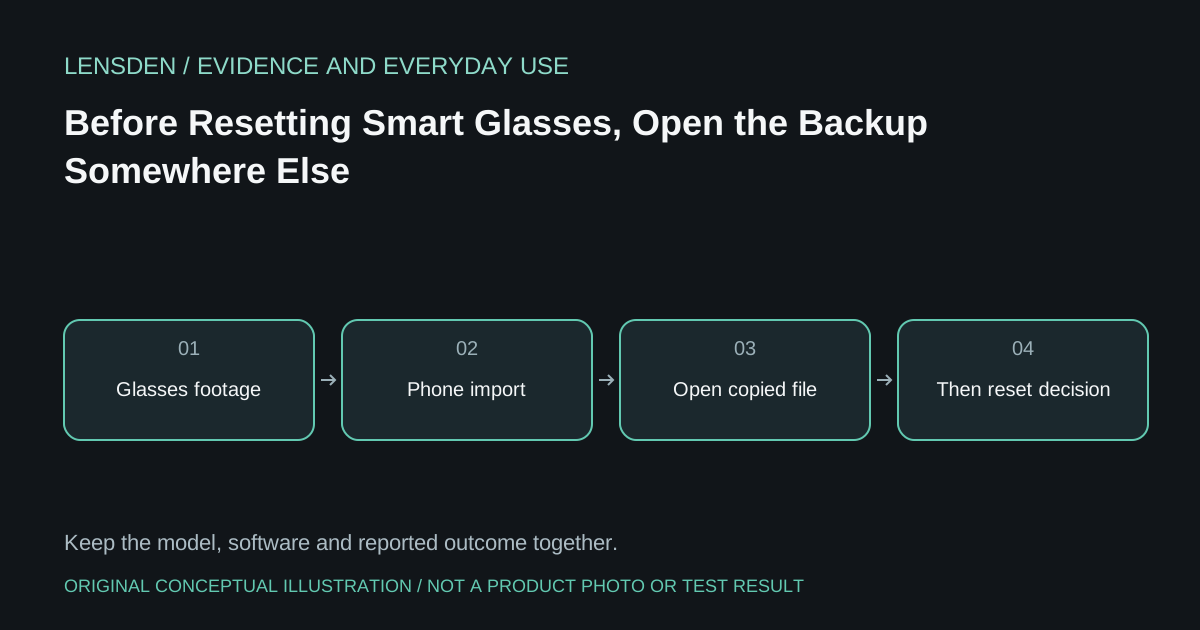
A backup should be a playable file outside the glasses, not a thumbnail you hope will survive troubleshooting. A Meta community report describes Ray-Ban Stories stuck in an update and setup loop; the owner says resets lost their footage without resolving the problem. Stories is the predecessor product. That experience does not establish a current Ray-Ban Meta firmware defect or a common recovery outcome.
It does establish a useful decision point: stop treating a factory reset as the first harmless step when recordings still matter. Recovery after erasure is Unknown, and another person's success cannot preserve your files.
Separate restarting from erasing
Ray-Ban's official Meta FAQ distinguishes restarting from a factory reset that removes captures and the account association. Follow instructions for the exact product and app version. Do not transfer a Stories button sequence to newer glasses, or assume every instruction labelled reset has the same consequences.
Before a destructive step, try only the supported, non-erasing troubleshooting appropriate to the problem. If the app cannot import existing media, explain that explicitly to support. A setup failure and an unsuccessful backup are two problems, even when they appear on the same screen.
Verify the copy, not just the import notification
For recordings you intend to keep, complete the normal import, locate the resulting files on the phone and open representative items. Confirm that a video plays with its expected audio and that an important photo opens at usable resolution. Preserve another copy through a storage method you already trust if the material warrants it.
A gallery preview, queued transfer or cloud icon alone is not evidence that the original file is safely available. Do not delete the glasses copy merely to see whether another service can recover it. Keep private recordings out of public support posts and screenshots.
Record the troubleshooting boundary
Write down the model, app version, exact setup error and what has already been attempted. Tell support whether footage is still unimported before consenting to a factory reset. If a reset becomes necessary, make that decision knowing what it erases; do not expect it to repair hardware or account problems automatically.
The historical community case is a warning about the sequence of actions, not a prediction that every reset fails. Lensden's device-class checklist helps distinguish camera glasses from display accessories with entirely different storage arrangements. Reviewed November 3, 2026. Lensden did not reset a device, retrieve the owner's files or independently reproduce the fault.