
Phone Volume Is Low but Glasses Alerts Are Loud: Identify the Sound Category
A Ray-Ban Meta owner report describes loud notifications despite a low phone volume and adaptive volume being disabled.
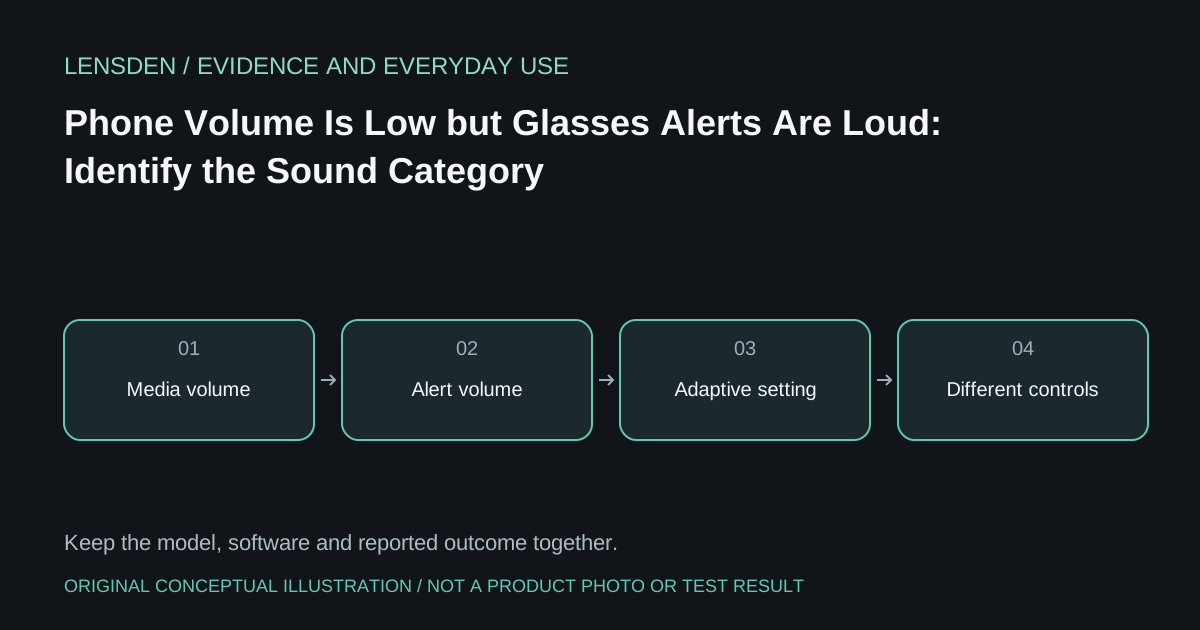
A Ray-Ban Meta owner report describes loud notifications despite a low phone volume and adaptive volume being disabled. The writer does not establish the glasses generation, app build or exact alert category. That makes a universal button sequence inappropriate.
The useful first distinction is between media, system sounds, spoken message announcements and phone notifications. They may be controlled differently. A quiet music track is not proof that the next spoken announcement will use the same effective level.
Name the sound before adjusting it
In a private setting, identify which ordinary event produced the unexpected volume. Was it a message read aloud, a call announcement, a device status sound or audio from an app? Keep the source application and the phone's selected output recorded. Avoid deliberately repeating an uncomfortable sound at high volume.
Ray-Ban's official FAQ distinguishes notification preferences and System Sounds. Consult the current controls for the paired model and app, rather than assuming that a media-volume swipe changes every category. Do not attempt to suppress or bypass required capture indications.
Keep a baseline you can restore
Record the existing setting before making a documented change. Adjust one relevant preference and check the same ordinary event at a comfortable level. If the event remains too loud, keep that result rather than repeatedly lowering an unrelated phone slider.
If the problem began after an update, retain the actual version strings where available. “After an update” is useful timing but does not independently prove causation. A report from a different operating system or glasses generation may have a different control layout.
Decide what to use in public
Before a meeting, journey or quiet shared space, verify which notifications will be announced and whether the setting fits the situation. An announcement can disclose message content as well as create a volume problem. That is a reason to review the actual preference, not to assume nearby people cannot hear open-ear audio.
If supported controls fail to produce an acceptable result, ask the manufacturer about the exact category and keep an alternative way to receive important notifications. Lensden's device library retains the model identity; it does not certify notification behaviour. Reviewed November 3, 2026. No Lensden audio-level measurement or verified remedy for the source owner's unit.