
Which Device Took Your Phone Audio? V3 Wireless and Air 4 Pro USB Are Different Paths
In a V3 account on SSPAI, the writer describes audio unexpectedly routing to the glasses.
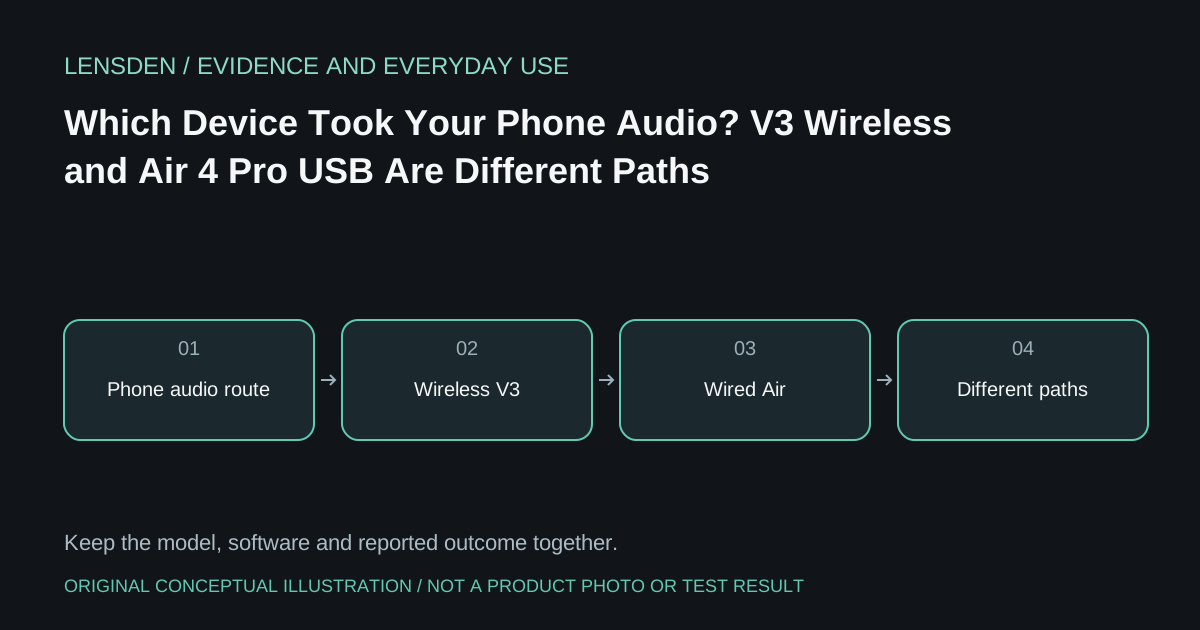
In a V3 account on SSPAI, the writer describes audio unexpectedly routing to the glasses. Separately, an Air 4 Pro owner using a Galaxy S24 reports intermittent audio loss. These are different models and connection paths; combining them into one “RayNeo audio bug” would obscure the useful details.
The first practical check is where the phone is sending sound. Camera/audio glasses connected wirelessly are not necessarily behaving like display glasses attached through USB-C. A headset, car connection or previously selected output can complicate either situation without proving a glasses hardware fault.
Write down the endpoint before changing it
Use a short ordinary clip at a moderate volume and inspect the phone's current audio output. Note whether sound reaches the phone, glasses or another paired device. If the expected output is absent, record the app and connection state rather than toggling several settings at once.
Compare a second ordinary audio application only after noting the first result. A failure limited to one app is a different support question from all sound disappearing. Keep the same phone and glasses model through this comparison.
A mode toggle is not a confirmed repair
The S24 owner describes a sequence involving audio-mode changes that restores sound for them. It is an anecdotal workaround, not a validated instruction for V3 or every Air 4 Pro firmware. Record any supported change that helps temporarily, including whether the symptom returns.
RayNeo's Air 4 Pro documentation page establishes that product's display-accessory identity. For V3, use the appropriate companion app and regional support materials instead. A shared brand does not establish a common audio transport or identical controls.
Decide whether to escalate
If ordinary use repeatedly loses audio, provide the model, phone OS, app, selected endpoint, connection chain and any observed trigger to the manufacturer. Keep unsupported causes—codec failure, firmware regression or damaged speakers—as hypotheses unless evidence establishes them.
Before a meeting or journey, verify the intended output privately. Do not discover at the venue that an alert or call uses speakers you did not expect. Lensden's compatibility checklist treats audio separately from a working picture. The cited accounts do not establish a common firmware or a defect rate. Reviewed November 3, 2026; no Lensden audio test or universal fix.