
Bluetooth Connected, Photos Still Missing: Check the V3 Media-Transfer Stage
A firsthand V3 account on SSPAI describes transferring recordings through the glasses' Wi-Fi and keeping the transfer page open to avoid interruptions.
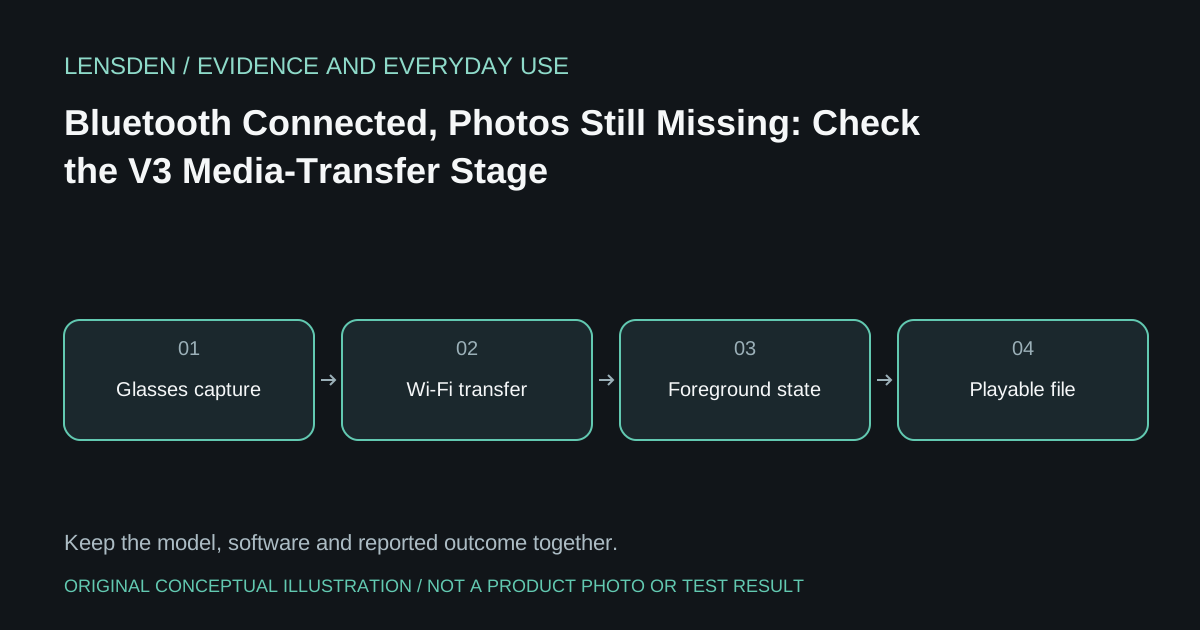
A firsthand V3 account on SSPAI describes transferring recordings through the glasses' Wi-Fi and keeping the transfer page open to avoid interruptions. That is a specific workflow observation from an older review, not a guarantee that the same app screens or restrictions remain current.
The important distinction is between a control connection and a completed file transfer. A Bluetooth icon can coexist with recordings that have not reached the phone's gallery. Conversely, a thumbnail in an app is not always proof that an original file has been exported to the location the user expects.
Follow one harmless recording
At home, create an ordinary short clip you are entitled to record. Note whether it appears first in the glasses' media list, then in the companion app, then in the phone's normal storage or gallery. Open the final file to confirm it plays. Do not delete the source copy simply because a progress indicator disappeared.
Record any Wi-Fi hand-off prompt and whether the phone stays connected to the intended network during transfer. Use the manufacturer's documented process rather than manually attaching to unfamiliar nearby networks. Do not assume that temporarily losing internet access means a local device connection has failed.
Keep version changes visible
The official publisher's app listing provides release history to compare with an older workflow report. It does not establish the behaviour of every regional build or phone. If the current app allows background transfer, record that actual observation rather than repeating an old foreground-only rule.
If a transfer fails, keep the app version, phone OS, media size and stage reached. “Visible in the app but absent from Photos” is more useful than “nothing syncs.” Ask support whether the original remains on the device before clearing storage or re-pairing.
Test the export you actually need
For travel, determine whether originals can be recovered using the connection available there. For editing, check that the exported file is the intended resolution and orientation. A social-media share may create a separate copy; it does not necessarily prove an original backup exists.
Lensden's V3 overview explains the wider distinction between pairing and offline utility. This article does not claim the SSPAI writer's experience represents all owners or current firmware. Reviewed November 3, 2026. No Lensden transfer-speed measurement or access to the reviewer's files.