
Camera Unavailable After an Update: Preserve the Capture Failure, Not Just the Bluetooth Status
In a Ray-Ban Meta camera discussion, an owner says capture stopped after an update despite restarts and resets.
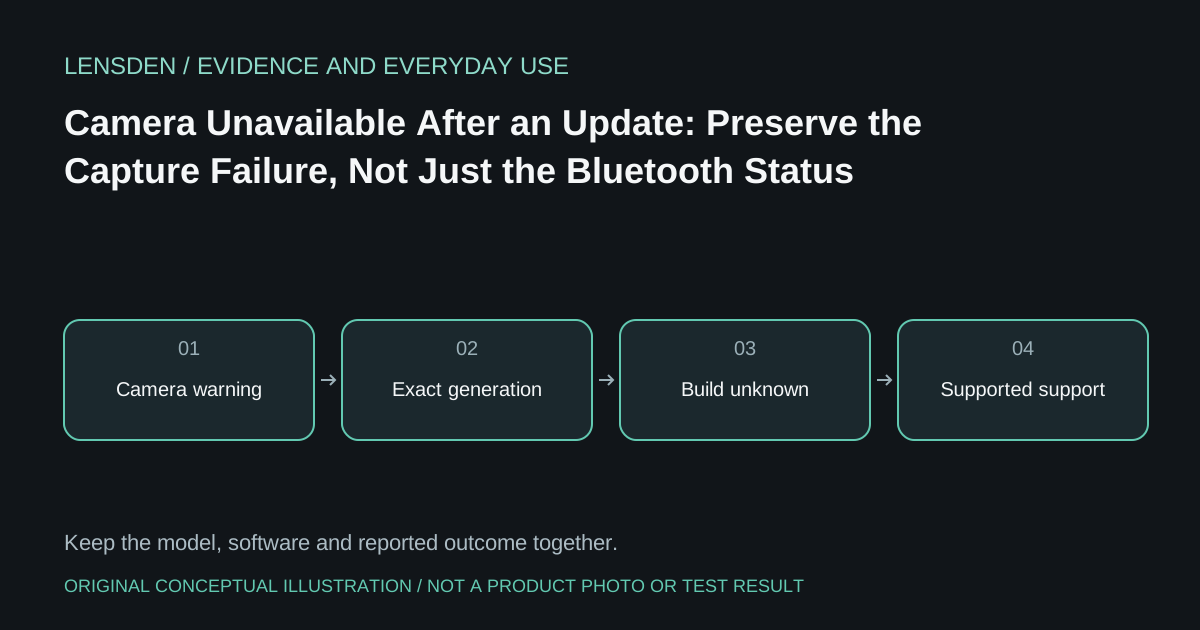
In a Ray-Ban Meta camera discussion, an owner says capture stopped after an update despite restarts and resets. Replies contain different symptoms and theories. The post does not identify a complete reproducible firmware build or establish that the update caused every reported camera failure.
Bluetooth audio continuing to work would not settle the camera's condition. It is one remaining function in a device with several functions. Likewise, a warning appearing after installation establishes a sequence, not automatically the engineering cause.
Identify which capture step fails
Record whether a photo can be taken, whether video begins, whether it ends immediately and whether any file is saved. Note any device announcement without copying unrelated personal information from the app. A failure to import an existing recording is a separate stage from a camera that never creates one.
Include the exact glasses generation and the available app and firmware version strings. If only the word latest is known, keep the build Unknown. The linked thread contains users discussing different situations; their replies cannot safely be combined into a single diagnosis.
Do not repeat destructive steps indefinitely
Ray-Ban's official FAQ distinguishes a restart from factory reset. Check the current procedure for the exact model and preserve recordings before any action that removes data. A reset already attempted without improvement belongs in the support record, not an endless loop.
Do not tamper with the capture indicator or install unofficial tools to bypass a camera error. The original owner's statement that they did not alter the device should remain distinct from other commenters' different accounts. An online assumption about tampering is not a verified inspection of someone's hardware.
Ask support to assess the actual unit
Provide the capture sequence, warning, models and versions through the legitimate support channel. Ask what additional observation would distinguish a storage, software or hardware issue. Keep any temporary improvement and later recurrence in the same record.
For a buyer, the useful question is whether the intended capture workflow is reliable on the specific unit and supported phone, with a workable return or support path. Lensden's existing smart-glasses article covers the broader context. This article does not claim a confirmed firmware defect, failure rate or current universal fix. Reviewed November 3, 2026; no Lensden device test.